Paragraph six of the school newsletter.
The form deadline was in there. So was picture day. You skimmed it at a red light.
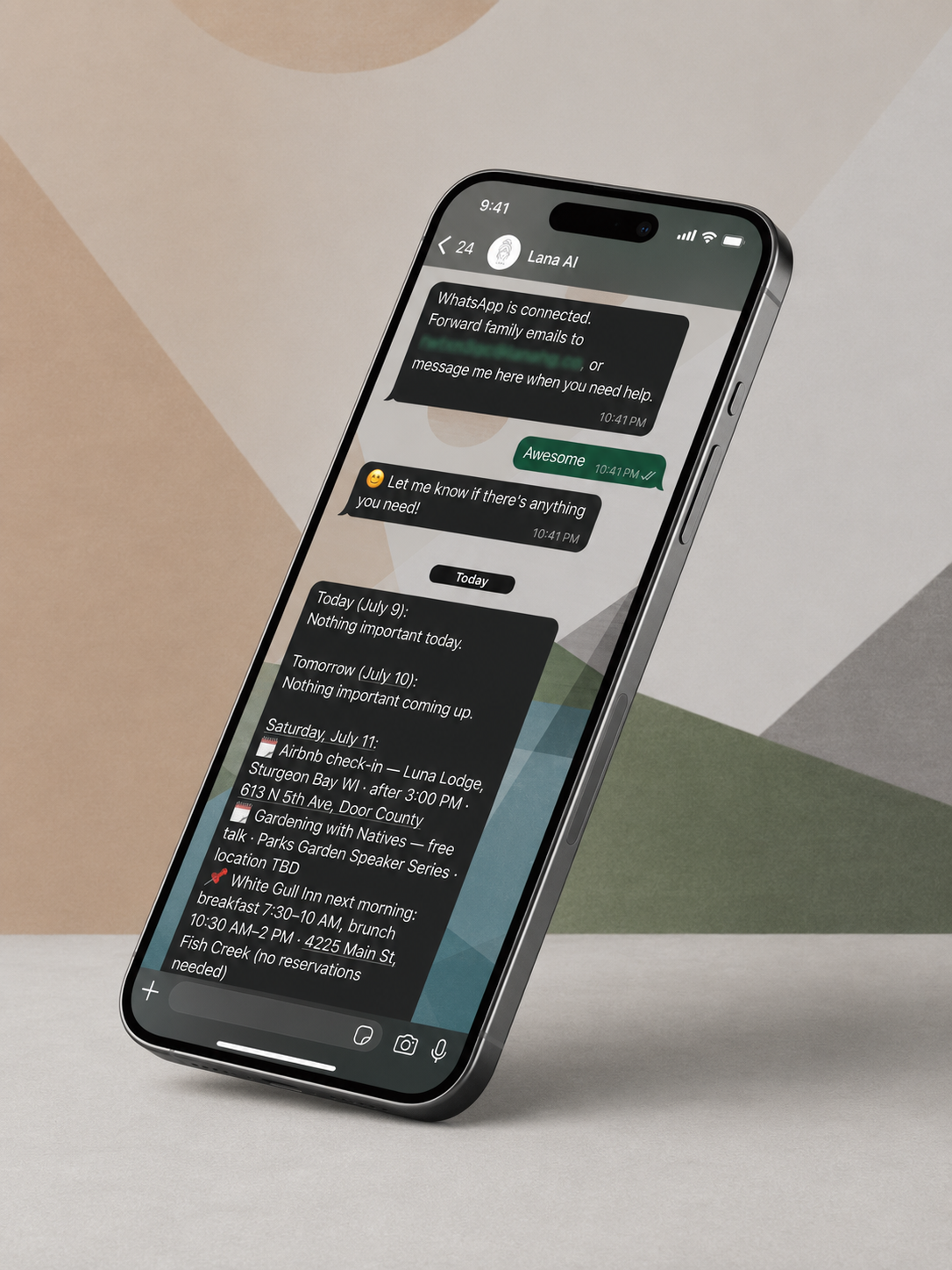
Forward Lana the school email or send a photo of the flyer. She turns it into a morning briefing and reminders that show up right when they matter. No app to download.
Lana only sees what you send her.

Lana
Good morning! ☀️ Here's your Wednesday.
🔴 Sign Maya's field trip form and put $15 in her folder. It's due tomorrow. 1
Today's schedule
📅 1:25 PM — Maya's early dismissal · pickup at the front of the school
📅 3:30–4:30 PM — Maya's dentist appointment
📅 5:30–6:30 PM — Maya's taekwondo class
7:30 AMTomorrow at 6 PM, Maya has dance and you have the parent-teacher conference. Who's dropping off Maya to dance class? I'll set a reminder. 2
7:30 AM1 Pulled from a school email you forwarded 2 Clash caught a day before
The form deadline was in there. So was picture day. You skimmed it at a red light.
Swim lessons, every Tuesday and Thursday, starting… sometime. You took a photo so you wouldn't forget.
Pickup moved to the side gate. Someone mentioned it between birthday plans and a lost water bottle.
Nothing to install and nothing to connect. Just a WhatsApp chat with your family's own assistant.
Lana sets up your family's assistant and private calendar in a few minutes, right in the chat.
A school email, a flyer photo, a pickup note. Start with whatever is on your mind today.
Dates, links, and to-dos come back in your morning briefing and as reminders right when they matter.

“I built Lana for our own family. I had her research a camp for my daughter and then forgot about it. Lana didn’t. She reminded us two days before signup closed. That's when I knew other parents needed this too.”
Satya Vakkaleri, parent and founder

“I love using it now. I forget even the obvious ones… I'm really loving the reminders.”
B.R., parent of two · Stockton, CA

“Lana is really helping me keep up with all the important school stuff and other appointments. And now it works in WhatsApp too, thankfully. Thanks for sharing this tool. 🙏”
J.S., parent of a middle schooler · San Ramon, CA
Dance class and the parent-teacher conference are both at 6pm tomorrow. Lana spots it a day ahead, asks who's taking Maya, and sets a reminder for them. You just reply with a name.
Forward the school email once, with or without a note. When the deadline, link, or pickup detail actually matters, Lana brings it back with the names and dates already there.
Remind me
Forward a school email to Lana, with or without a note. No setup needed.
Lana AInow
Got it — Maya's Annual Update is due Aug 9. I'll remind you a week before, on Aug 2. 👍You get a quick note saying what she saved, so you know nothing slipped through.
Sunday, August 210:00
Lana AInow
📌 Complete Maya's Annual Update for Twin Creeks. It's due in a week, on Aug 9.Names, deadlines, and links come back when they matter or when you ask.
You can also have school emails forward to Lana automatically. Optional, and you can stop anytime.
Class calendars, camp schedules, and activity flyers usually arrive as images. Lana gives those dates somewhere better to live.
Your family has its own Lana email and calendar. You can review, change, or remove anything Lana handles.
Lana never connects to your email or calendar. She works only from what you forward or send her.
Send Lana an email, screenshot, or message when you want her help. You choose what becomes part of your family’s world.
Plans change. Just message Lana to update, remove, or correct something.
Lana keeps the details straight and brings decisions to you when they need your say.
A school email, a schedule screenshot, a pickup note, a form deadline or anything you are tired of keeping track of.